


Phone batteries inevitably lose capacity, sometimes noticeably within the first year. After learning that lesson firsthand a couple of years ago, I changed several small aspects of how I used my device. My current phone is 2.5 years old and has lost 12% of its original capacity.
Smartphone batteries lose capacity as you keep charging them. However, two people can buy the same device at the same time, use it for the same number of years, and end up with noticeably different battery health. This is because of how the battery is handled day to day. So if your device’s battery has drained more than 10 percent in a year, you need smarter usage habits.
Stop charging your smartphone to 100% every time
Limiting charging cycles to 80 percent can help
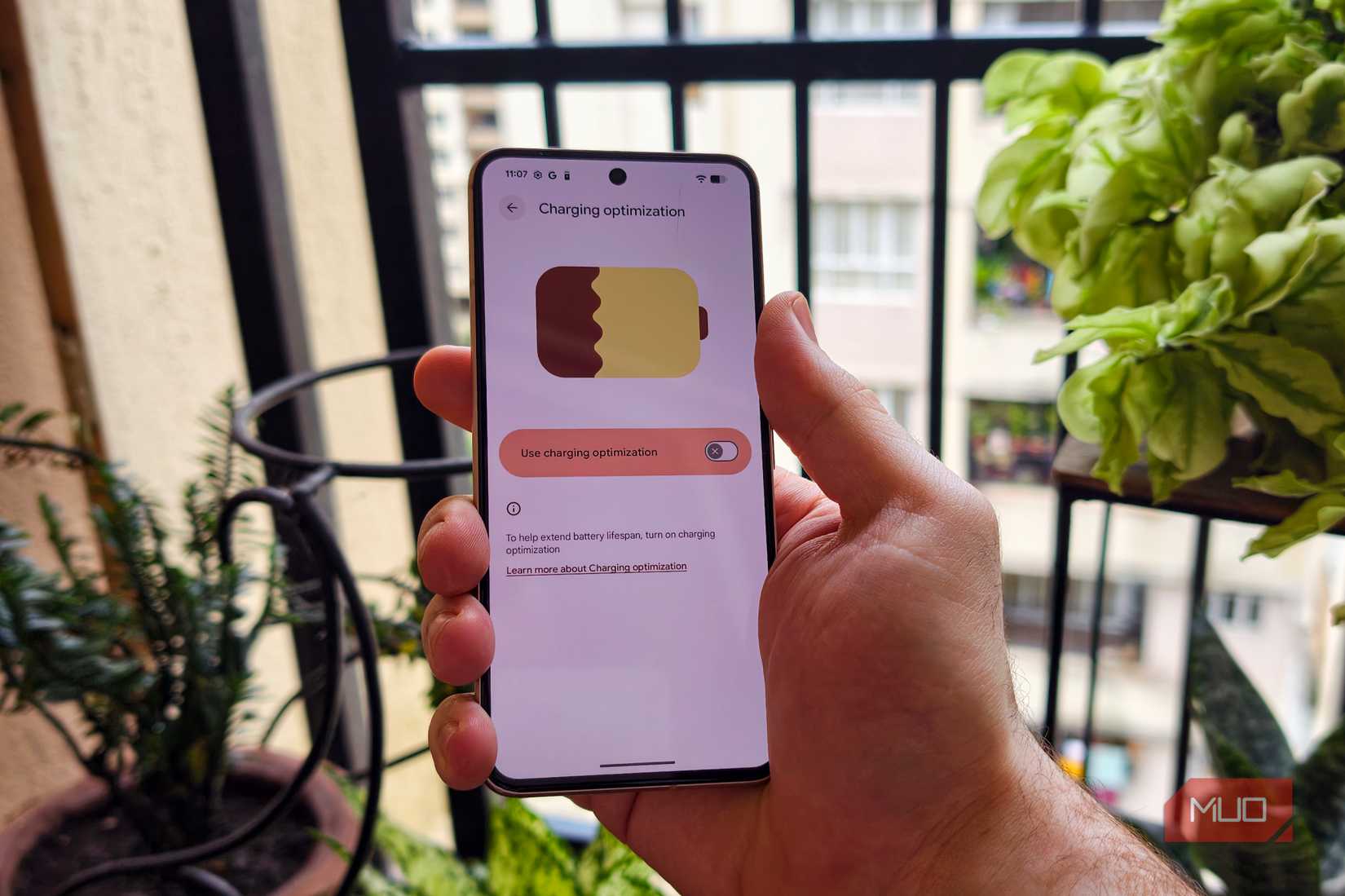
Most modern devices have the option to limit charging to 80%. Yes, in the short term, this would result in your battery lasting for a shorter period of time each day. But as time passes, your device will be better off for it. I tested this feature on a variety of smartphones by Google, Vivo, and Samsung.
The “Limit to 80%” option is specifically designed to prioritize long-term battery health. The feature is ideal for users who finish their day with some charge remaining on their devices, as Lithium-ion batteries experience more stress toward the top end of their charge range. You sacrifice some short-term battery capacity to reduce long-term battery wear.
The goal isn't to make your life harder by making your phone inconvenient to use. It's to avoid unnecessary 100% charging when you don't actually need it. To limit your phone’s charging to 80%, open Settings > Battery > Battery health > Charging optimization. Turn on Use charging optimization, then select Limit to 80%.
Enable Adaptive charging if your smartphone supports the feature
It can efficiently analyze your charging habits
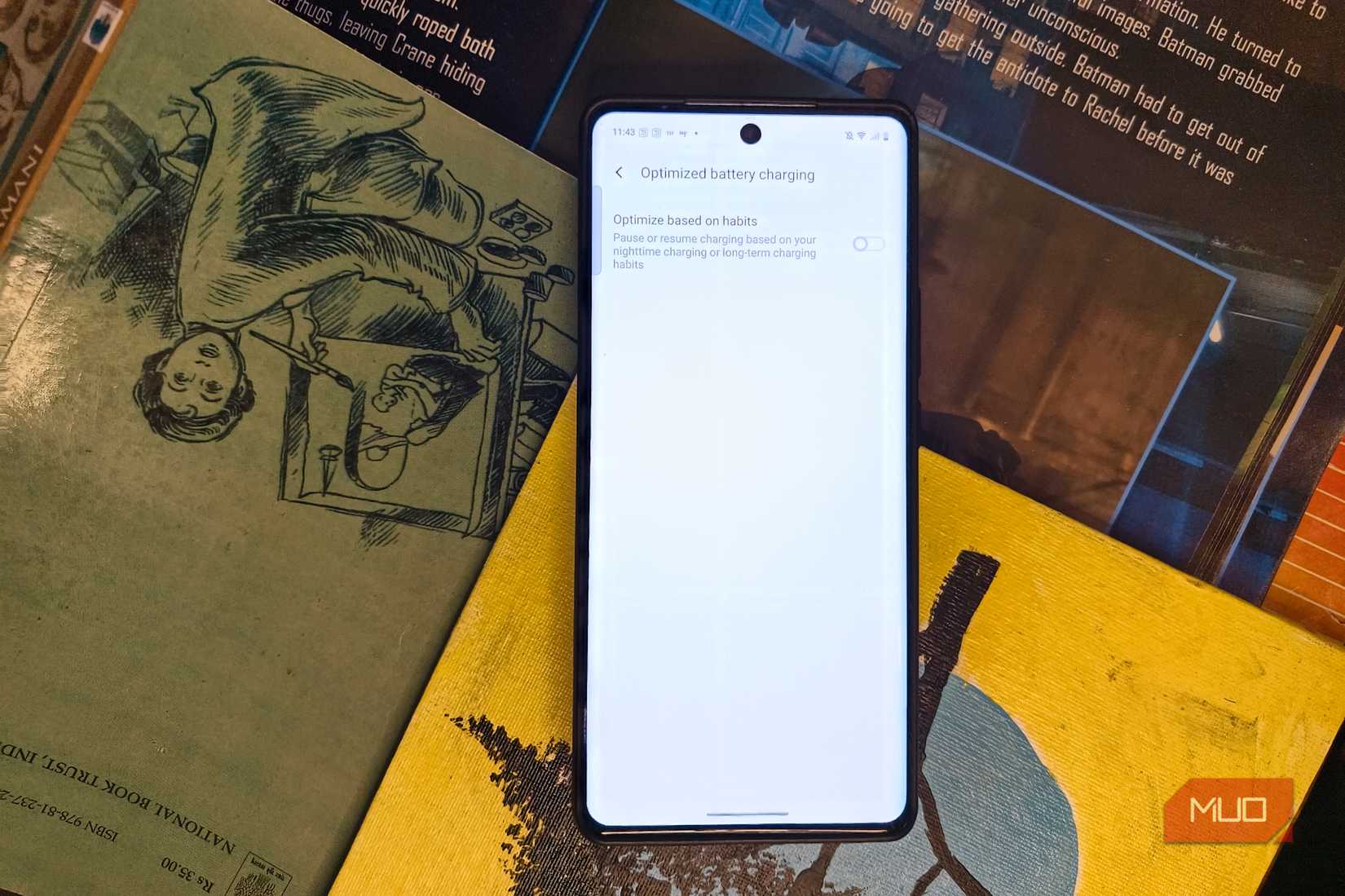
If you are not okay with an 80% limit, Adaptive Charging makes a ton of sense. When turned on, the smartphone analyzes and learns your smartphone charging habits based on when you normally unplug it and delays the final portion of charging until closer to that time. When the feature is not activated, your phone could reach 100% relatively early and then spend several hours connected to a power source at or near full charge.
With adaptive charging, the device delays that final stretch, so the phone reaches 100% closer to when you actually need it. It's a small change, but repeated hundreds of times, those hours of reduced high-charge exposure add up. Keep in mind, the name of the feature may differ depending on the brand.
Heavy usage while charging or in extreme heat can hamper battery health
Be cautious when your device overheats
One of the reasons why your smartphone’s battery may be degrading could be directly related to your usage patterns. You may have noticed your phone getting extremely warm when performing intensive tasks such as shooting videos or playing games in hot conditions. Many phones shut down unexpectedly or force-close apps. Heat can increase drain and damage the battery.
The battery health can also degrade if you push the device to its limit while charging. This results in the phone consuming lots of power, generating lots of heat, and simultaneously charging the battery. The phone's thermal management will protect itself to some degree, but that doesn't make prolonged high temperatures ideal for battery longevity. When you notice the device getting noticeably hot, take the case off temporarily, shut down your phone, and allow it to cool down.
Don't deliberately drain your device to zero
Charge your phone when needed
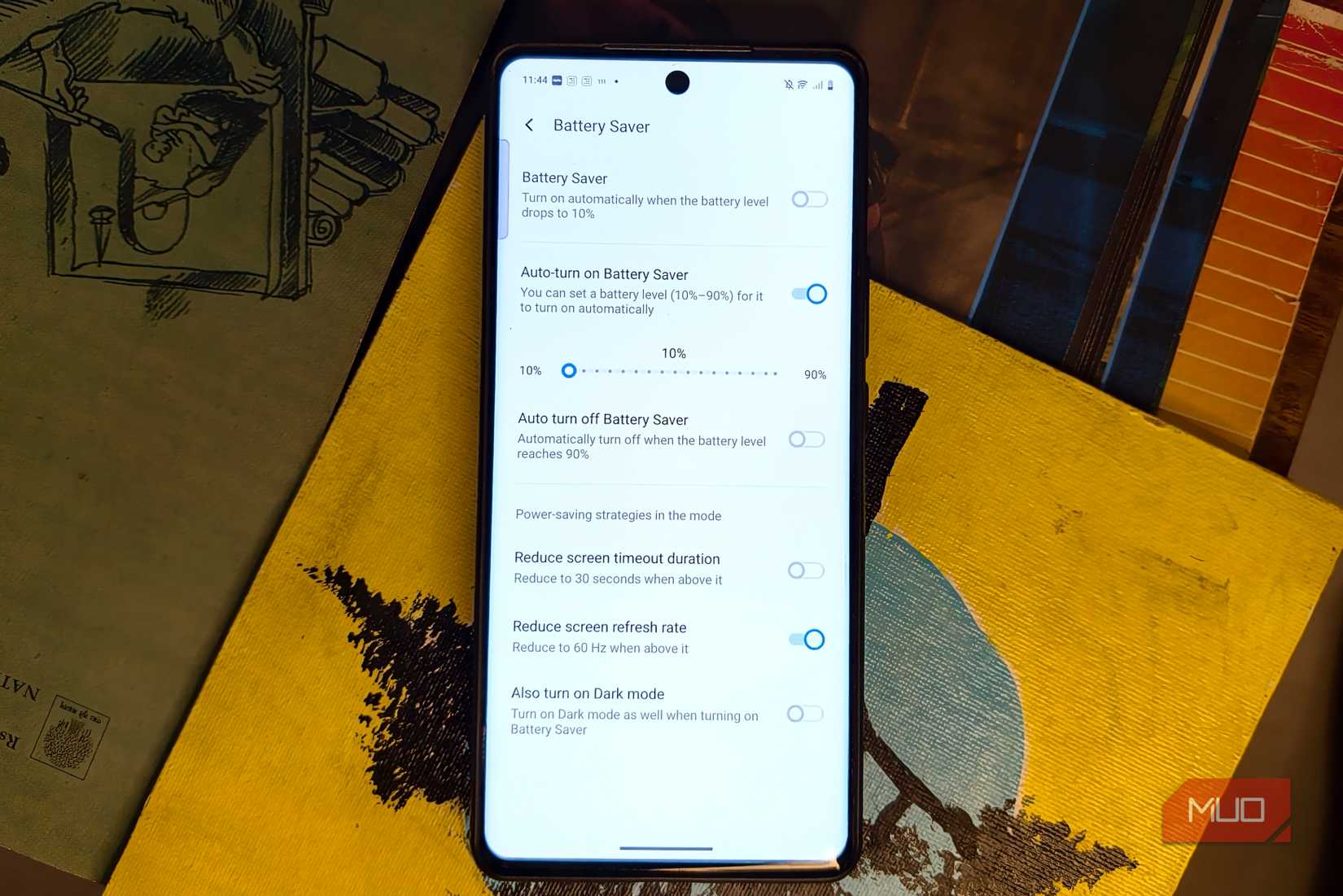
Modern smartphones feature lithium-ion batteries, and occasionally charging your device after it shuts down completely is fine. But you shouldn't make a habit of allowing your smartphone to deplete to 0% every day, as repeatedly running the battery low isn't a particularly good longevity strategy. Instead, you can charge when required without needing to wait until the capacity reaches 1%.
Use the fast charging feature only when you need it
If your device overheats, unplug the device
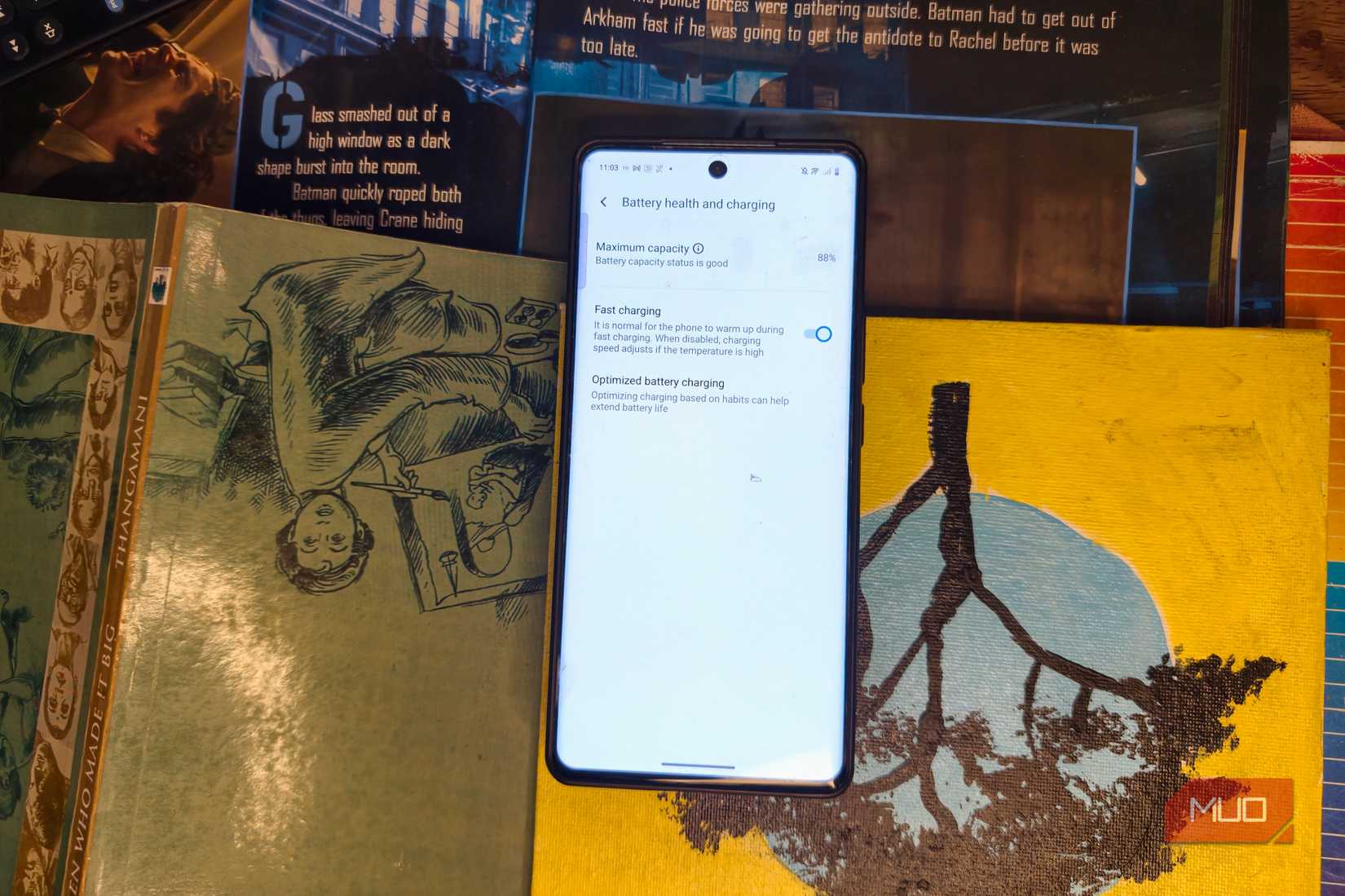
Most modern devices feature fast charging. While the technology can be useful with phones that feature sophisticated charging and thermal controls, prolonged usage may result in draining your battery capacity. The biggest concern is heat and prolonged high-stress conditions. So if you notice your device overheating, unplug it and wait for the phone to cool down.
In case your smartphone supports 60W, 80W, or even faster charging, you don't need to restrict yourself from using this feature at all times. However, if you are at home and have the time, it is better to disable the feature instead of blasting the battery with maximum charging power.
Keep your device updated to the latest version of Android
Some features may roll out later for certain devices
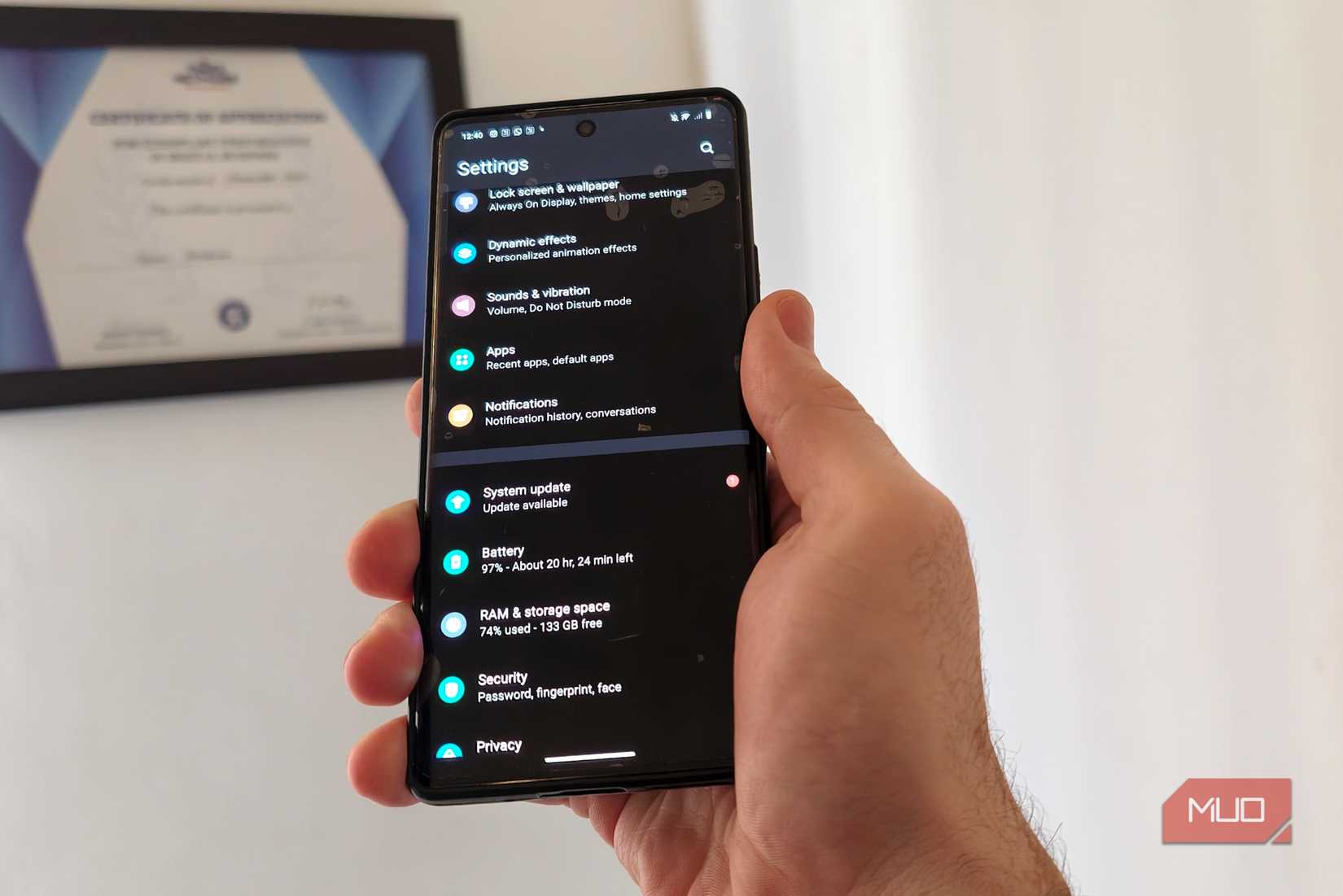
If your phone has a bug that is causing your device to overheat, you must update your device to the latest version. It is possible for such bugs to be fixed via a software update. Although an update cannot reverse any damage that may have been caused, it can definitely optimize power usage and manage charging to protect long-term health.
Updates often include better power management algorithms that reduce background CPU wake-ups that can lower everyday energy drain. If you own an old phone, it's possible your device does not have the feature to limit charging. Updating your device could possibly get you access to this.
Keep your expectations in check
While tweaking these settings can delay the battery health from depleting, it's not magically going to change the inevitable. As long as your expectations are in check, tweaking your usage habits should improve your battery health over time. Of course, if you're someone who changes your smartphone every year, it may not be a big deal. But for those who stick with a device for a few years, this could be a game-changer by eliminating the need for a battery replacement.
ADVERTISEMENT
 More Recommendations


